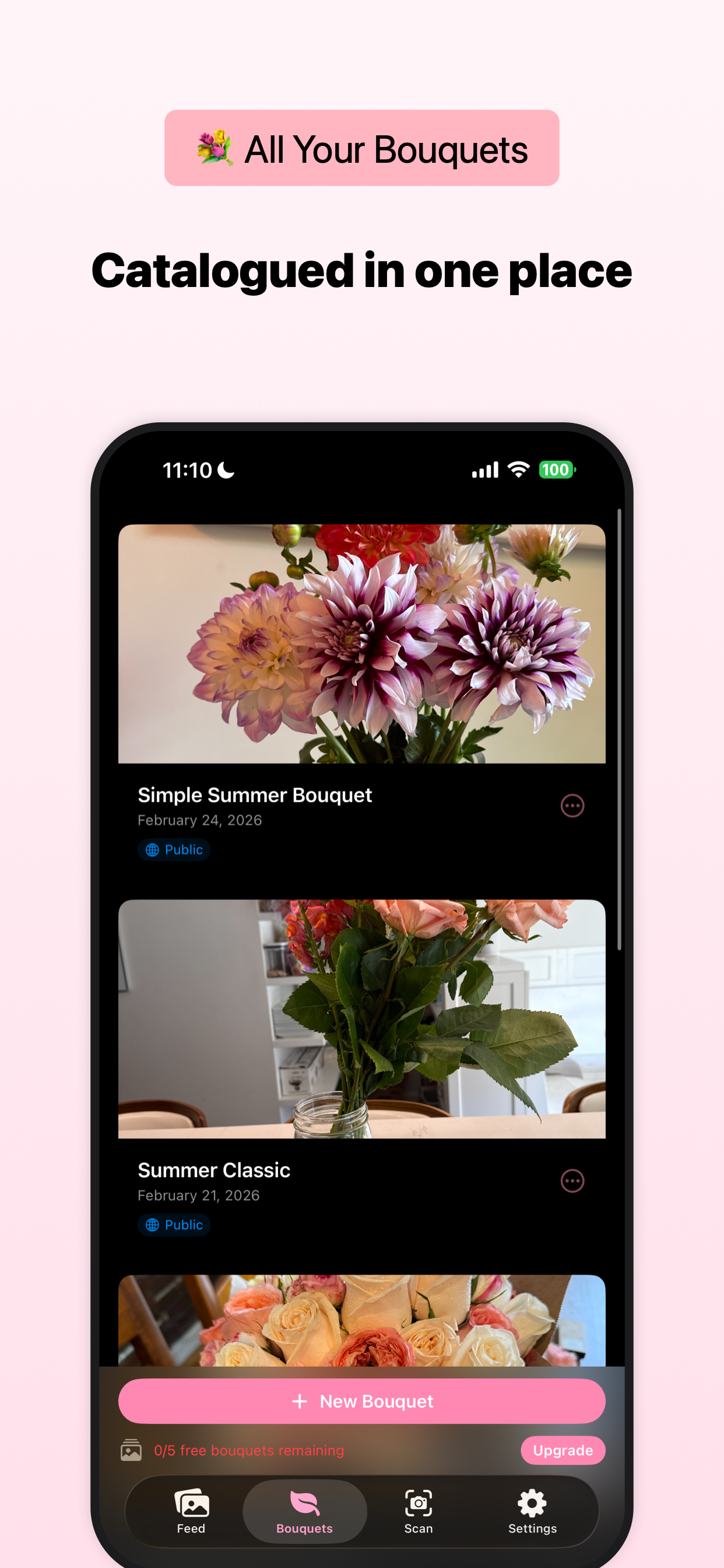
bloomtracker # Homebrew
brew install chadnewbry/tap/ios-appstore-screenshots
# I highly recommend using the CLI with one of the bundled AI workflows.
# Claude Code: "Please make App Store screenshots."
# Codex: "Please make App Store screenshots."
# Cursor: "Please make App Store screenshots."
# Initialize and generate with a template
ios-appstore-screenshots init
ios-appstore-screenshots generate --template-id bloomtrackerbrew install chadnewbry/tap/ios-appstore-screenshotsbrew install chadnewbry/tap/ios-appstore-screenshotsbrew install chadnewbry/tap/ios-appstore-screenshotsChoose a starting point, copy the template ID, then drop it into the generate command below.
bloomtracker 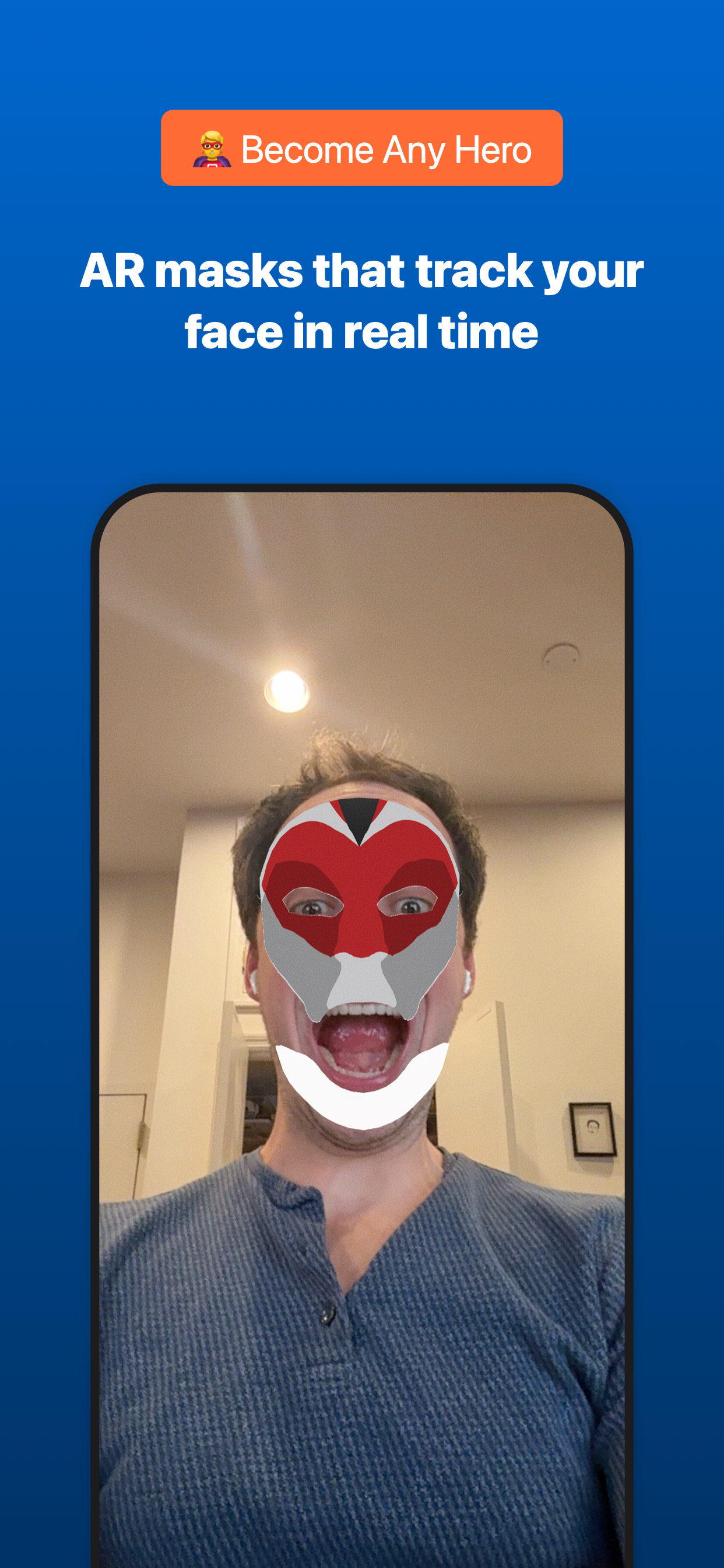
heromaskar 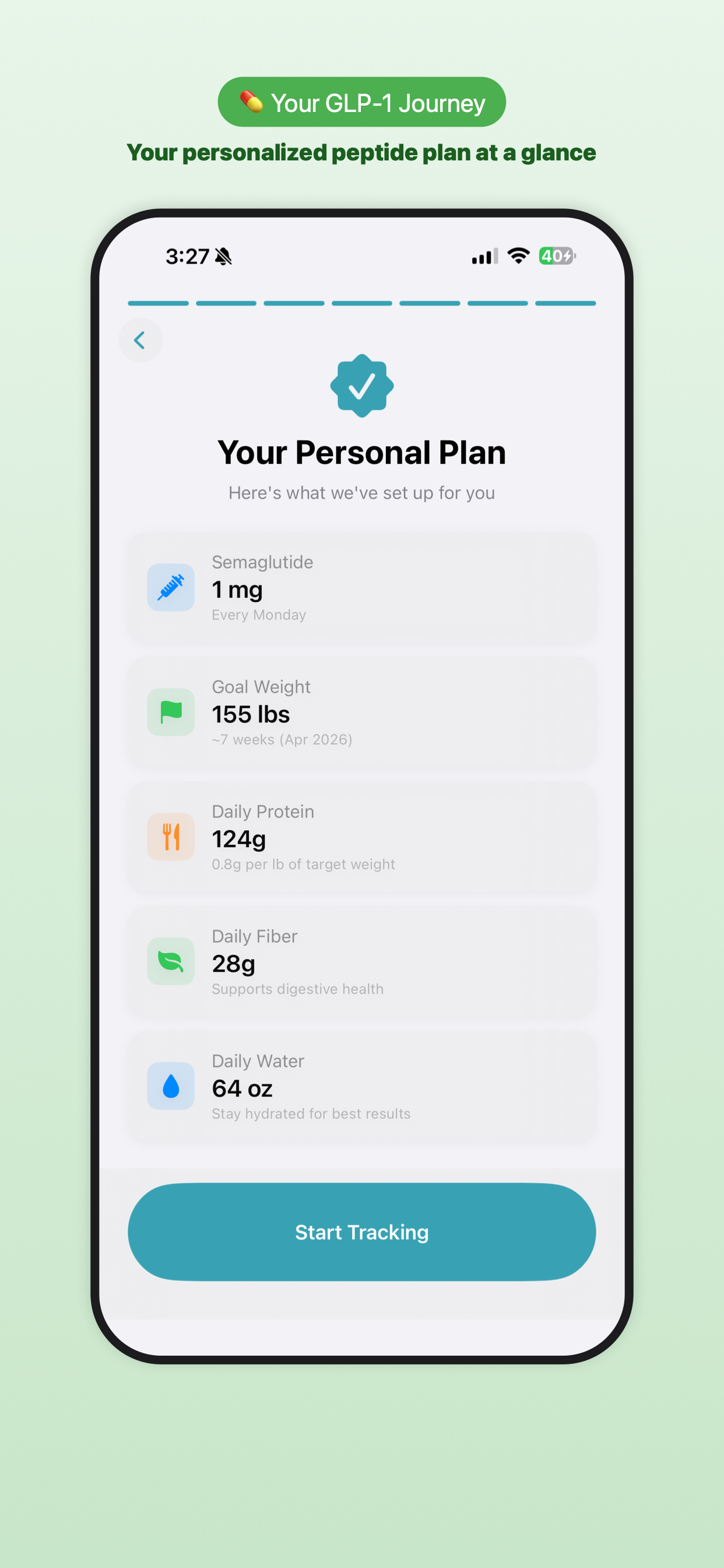
newu 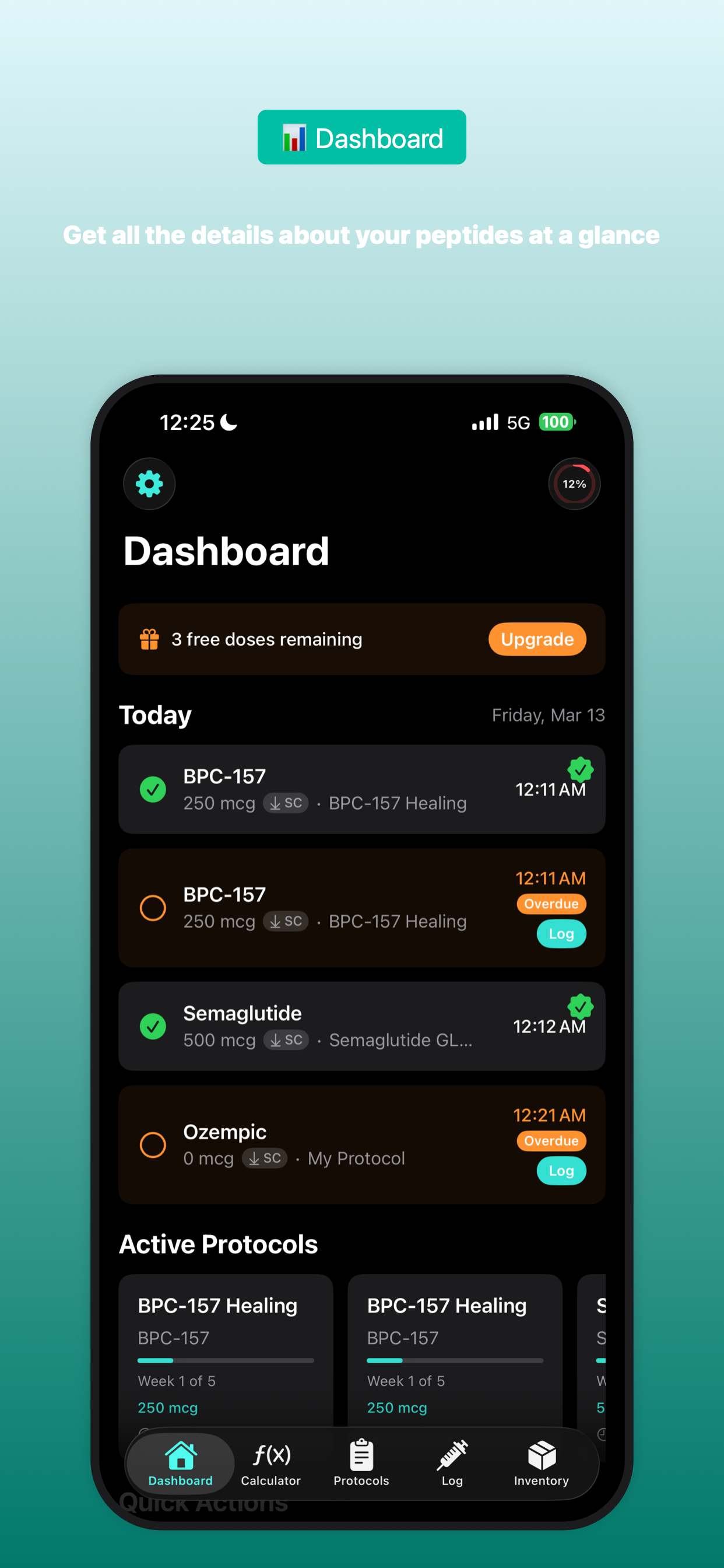
pepdose 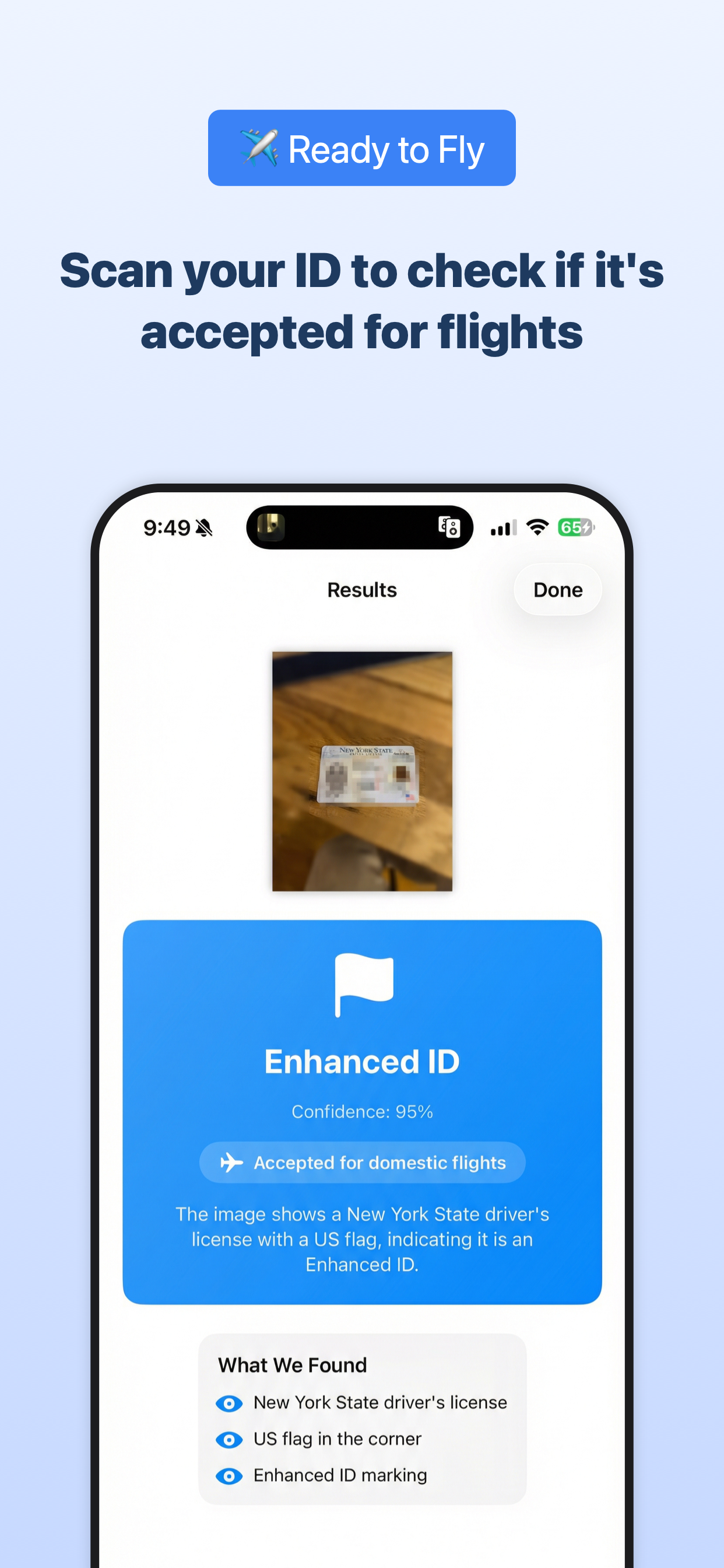
realidcheck 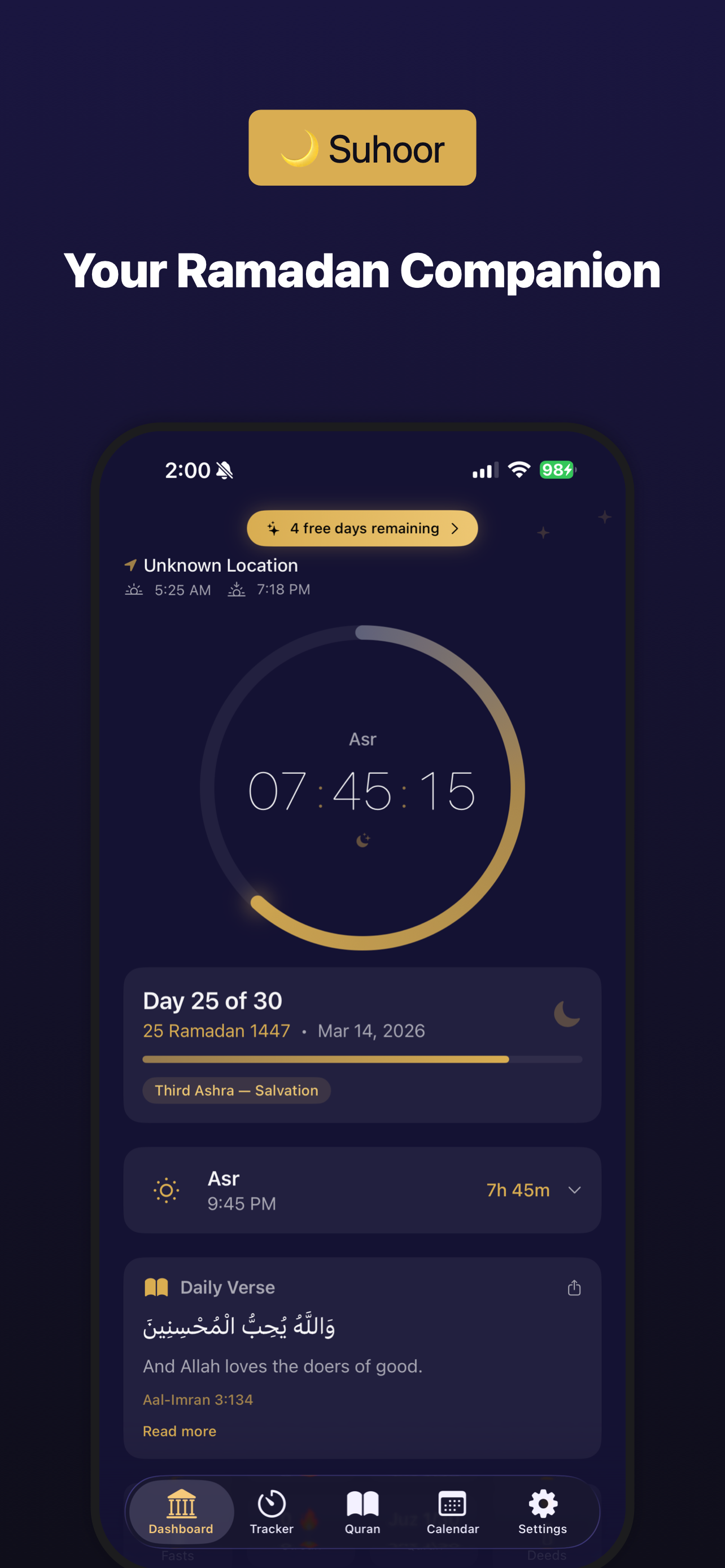
suhoor 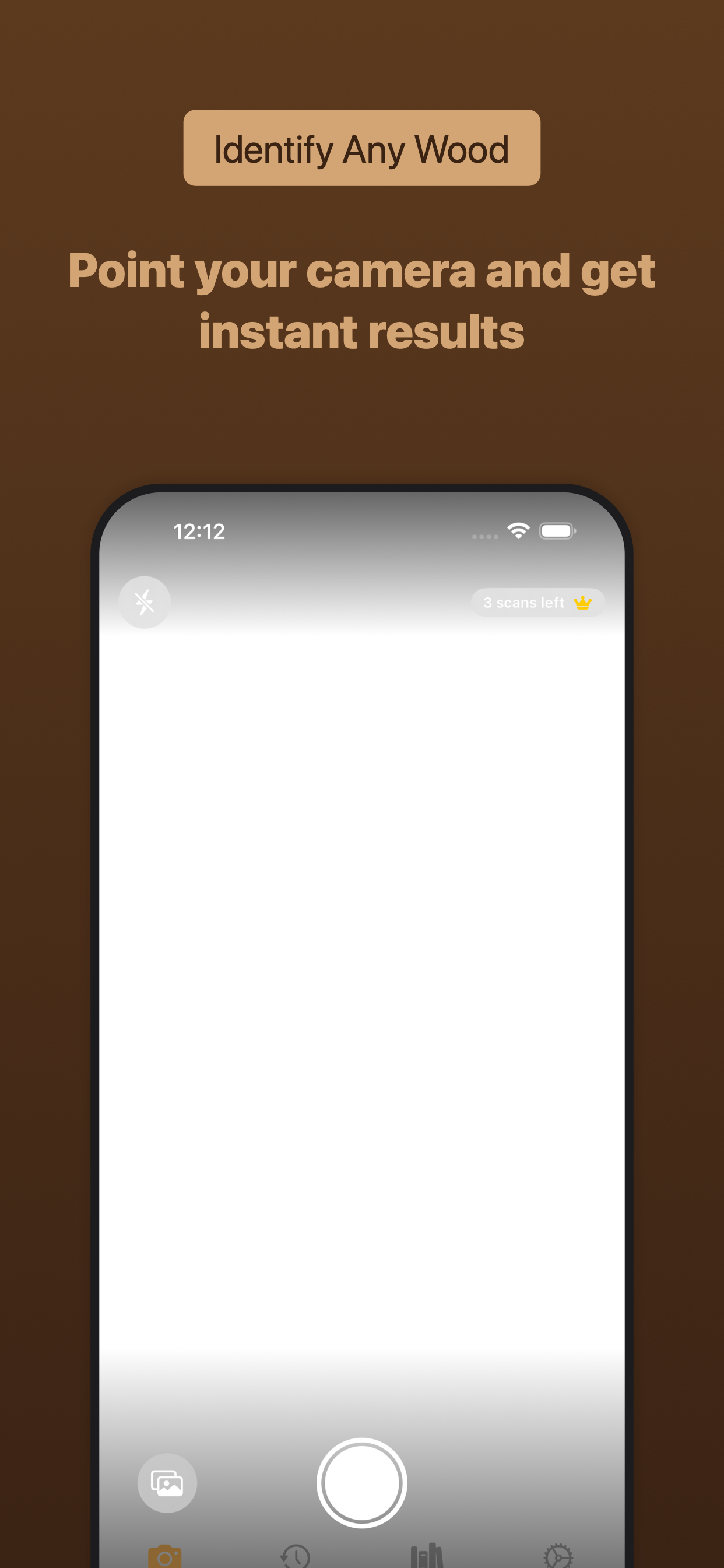
woodidentifier 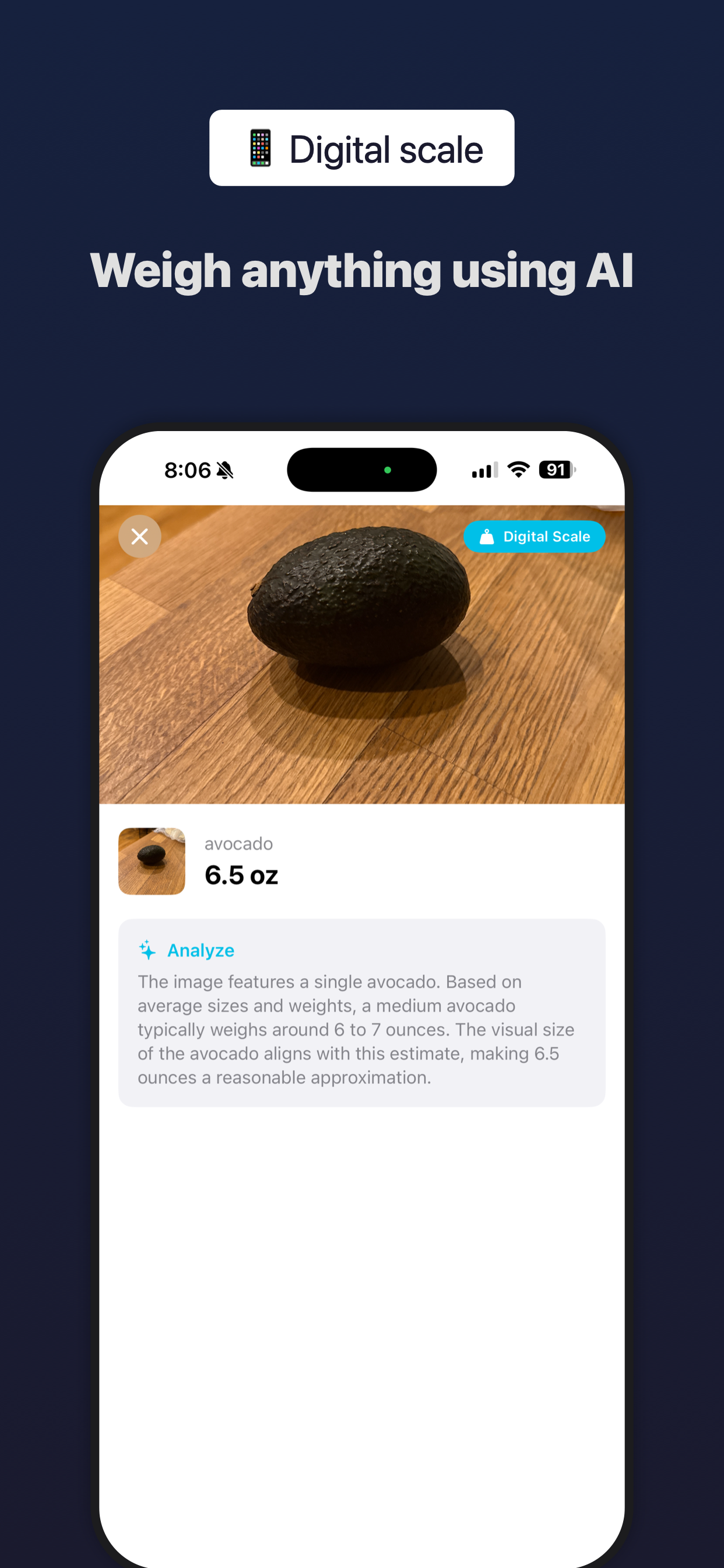
iscale Pick the AI tool you actually use, then ask it to make App Store screenshots with the template ID you copied above.
# How to use (restart Claude Code first)
Please make App Store screenshots using the template ID bloomtracker.# How to use (restart Codex first)
Please make App Store screenshots using the template ID bloomtracker.# How to use (restart Cursor first)
Please make App Store screenshots using the template ID bloomtracker.