App Store Screenshots
Always Free. Always AI native.
# Homebrew
brew install chadnewbry/tap/ios-appstore-screenshots

# I highly recommend using the CLI with one of the bundled AI workflows.
# Claude Code: "Please make App Store screenshots."
# Codex: "Please make App Store screenshots."
# Cursor: "Please make App Store screenshots."

# Initialize and generate with a template
ios-appstore-screenshots init
ios-appstore-screenshots generate --template-id bloomtrackerbrew install chadnewbry/tap/ios-appstore-screenshots
# How to use (restart Claude Code first)
Please make App Store screenshots.brew install chadnewbry/tap/ios-appstore-screenshots
# How to use (restart Codex first)
Please make App Store screenshots.brew install chadnewbry/tap/ios-appstore-screenshots
# How to use (restart Cursor first)
Please make App Store screenshots.Current release: v0.1.0
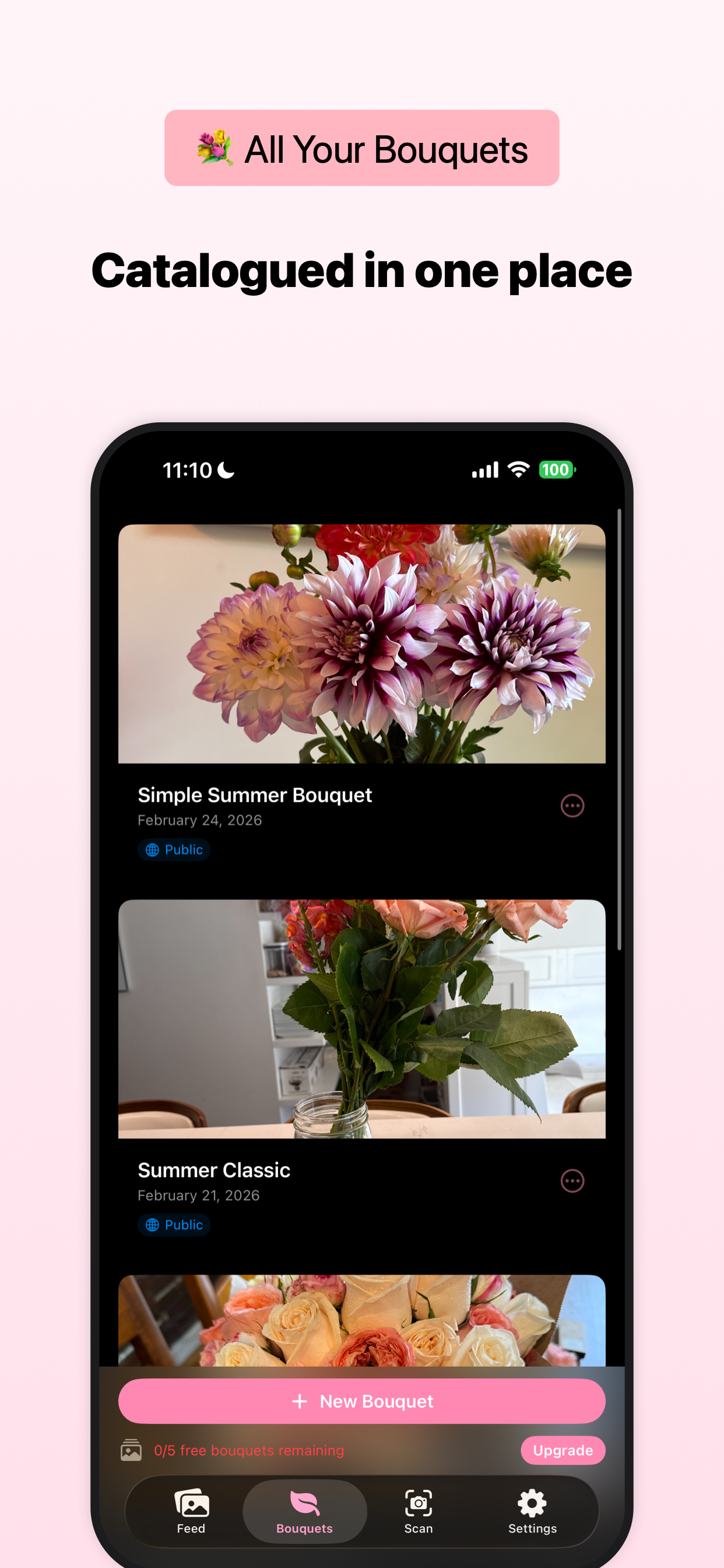
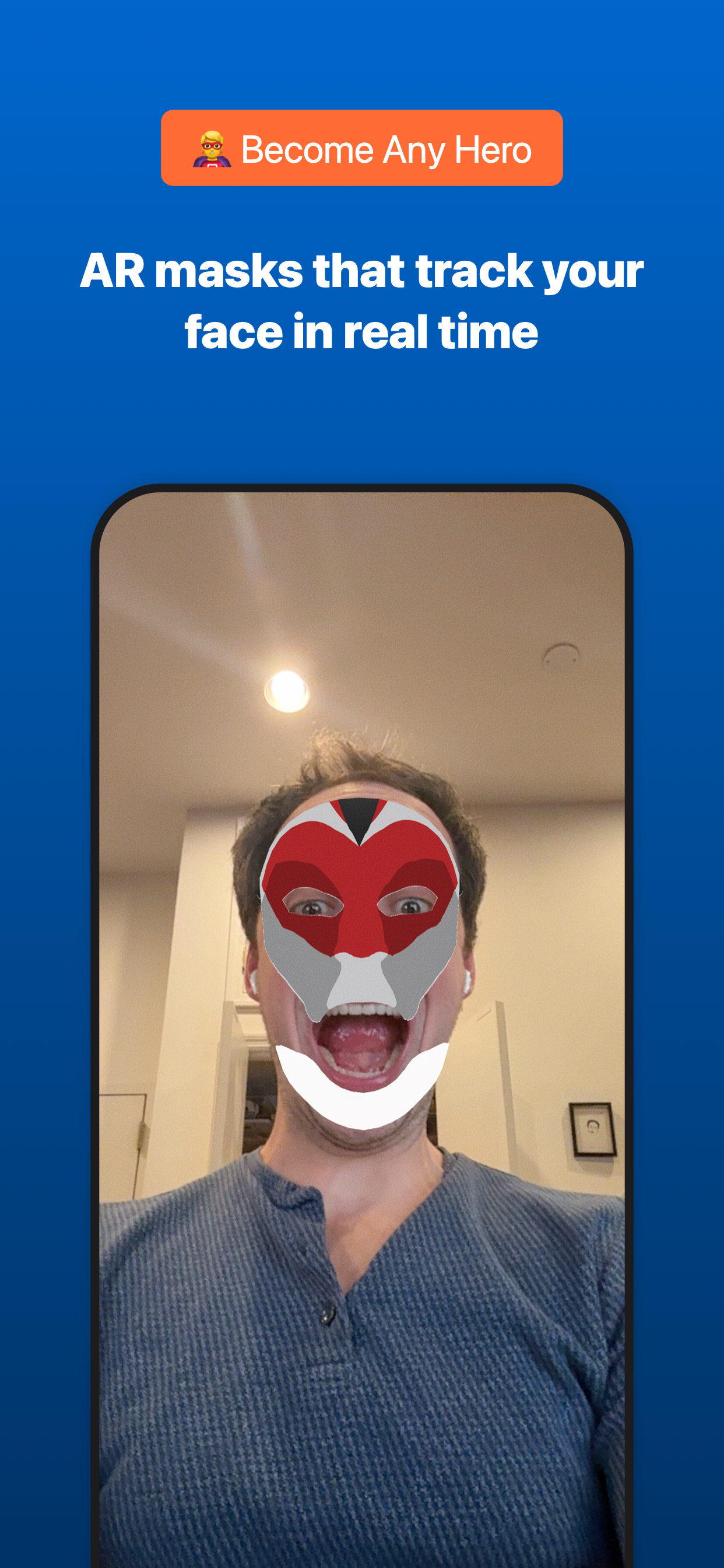
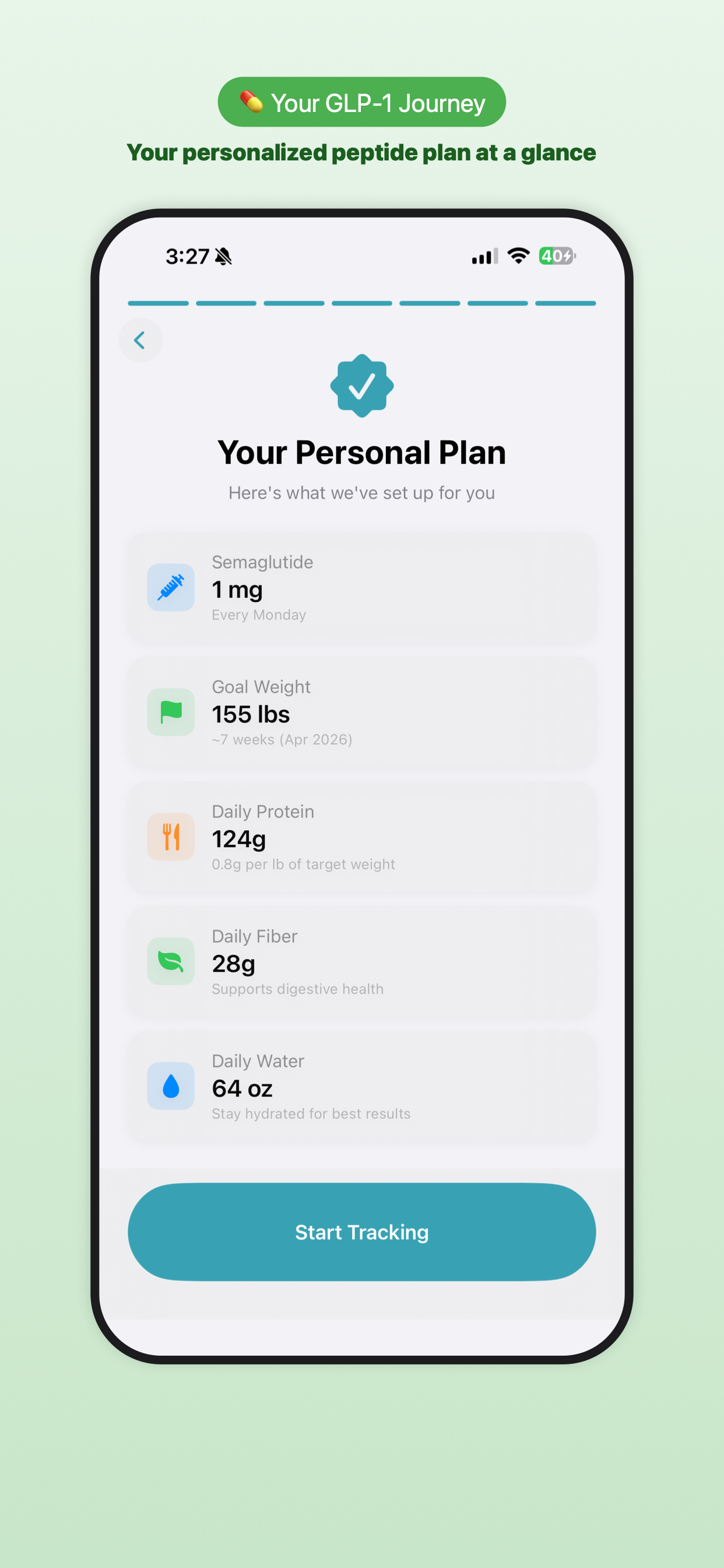
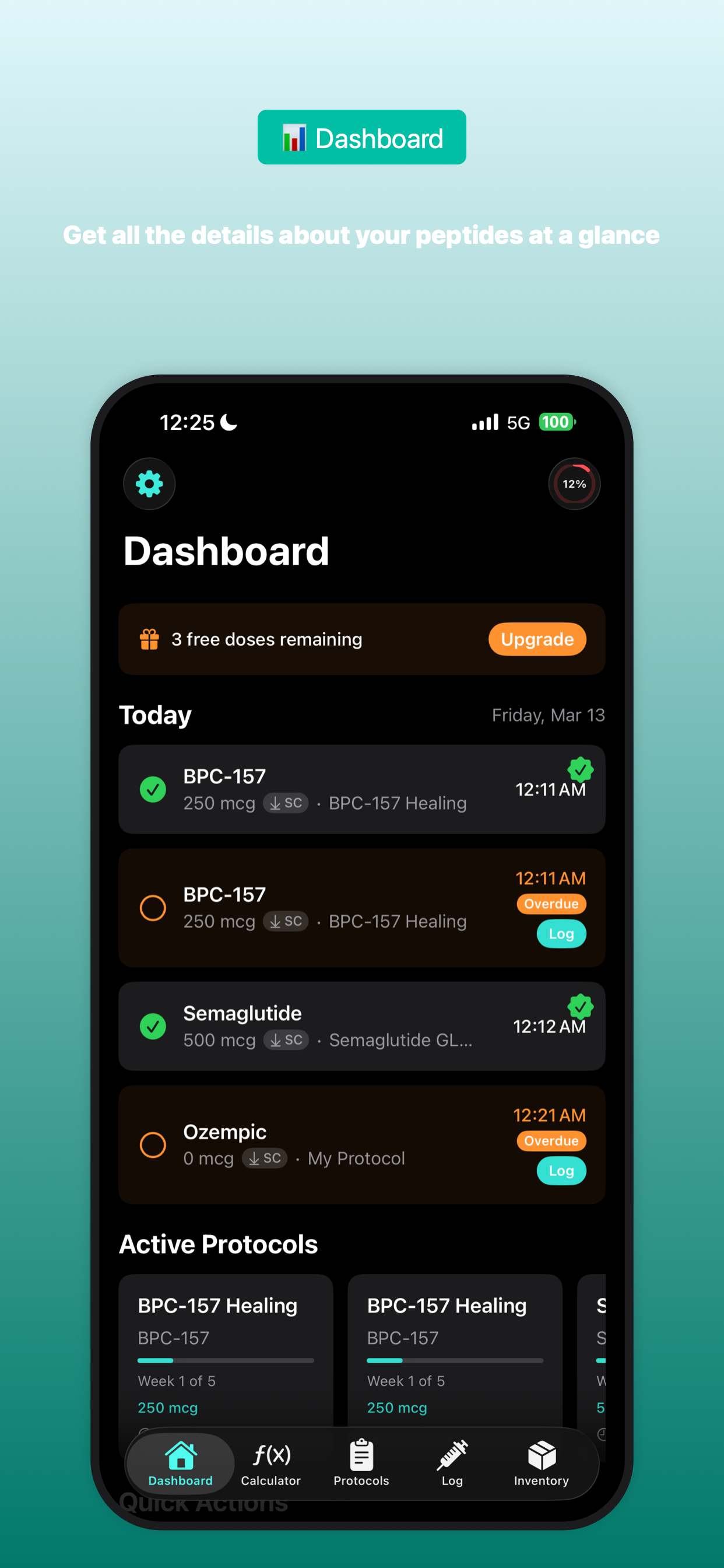
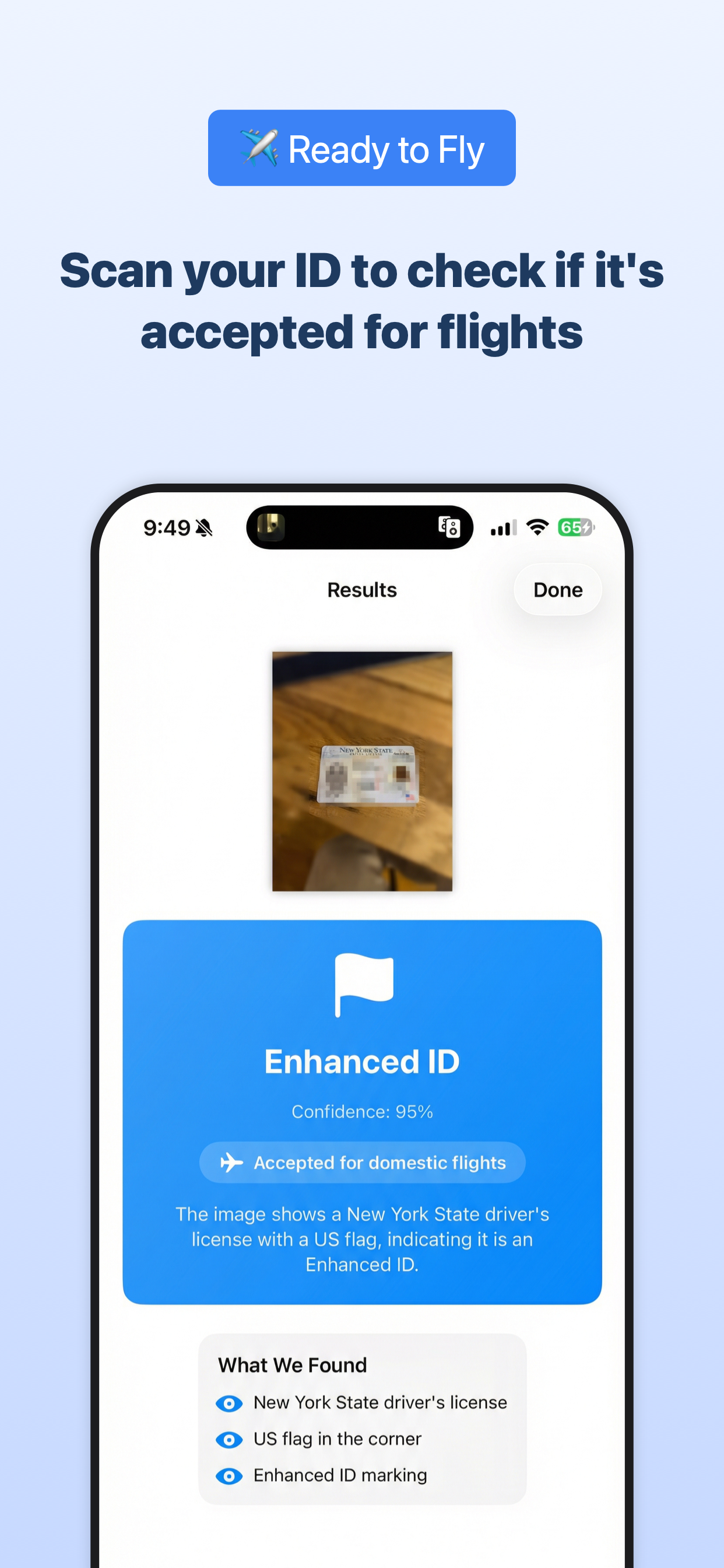
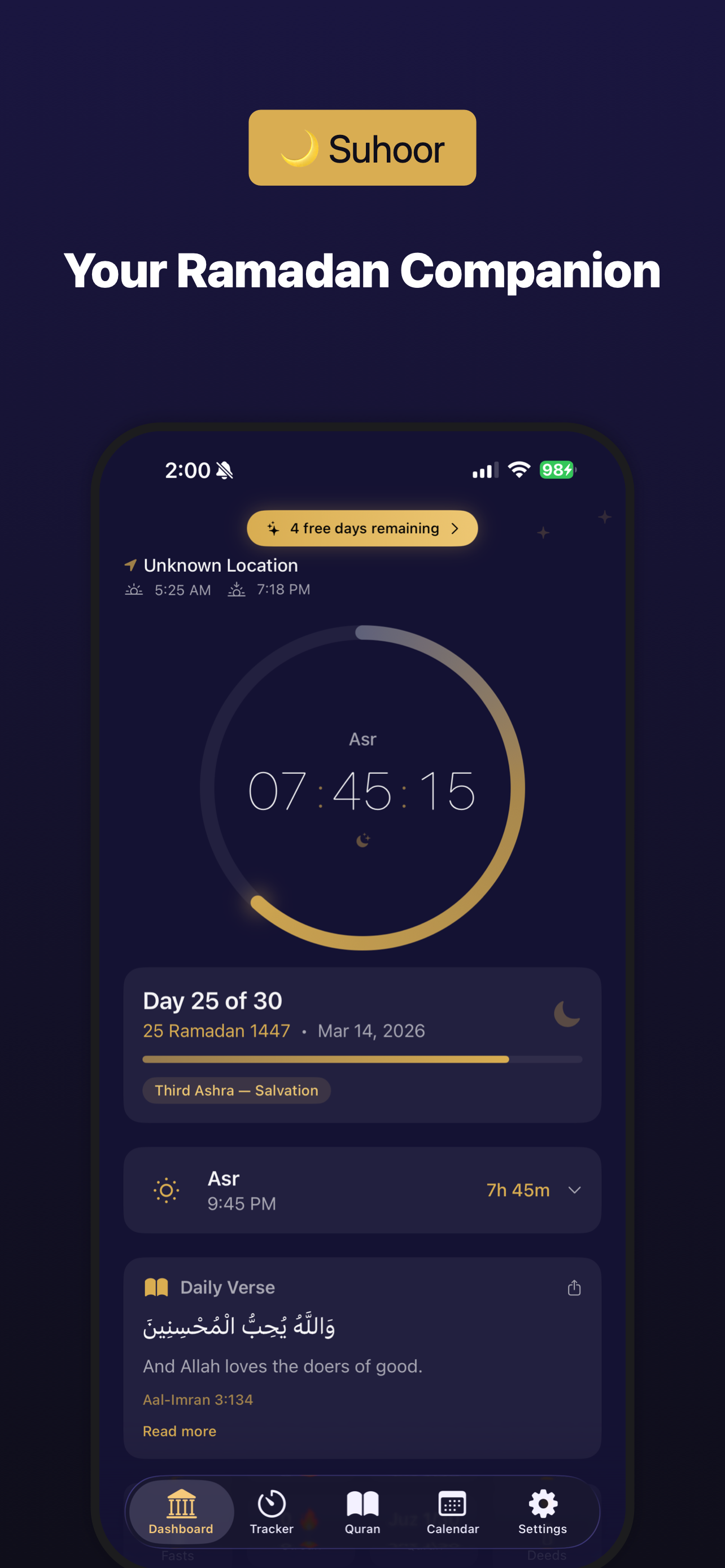
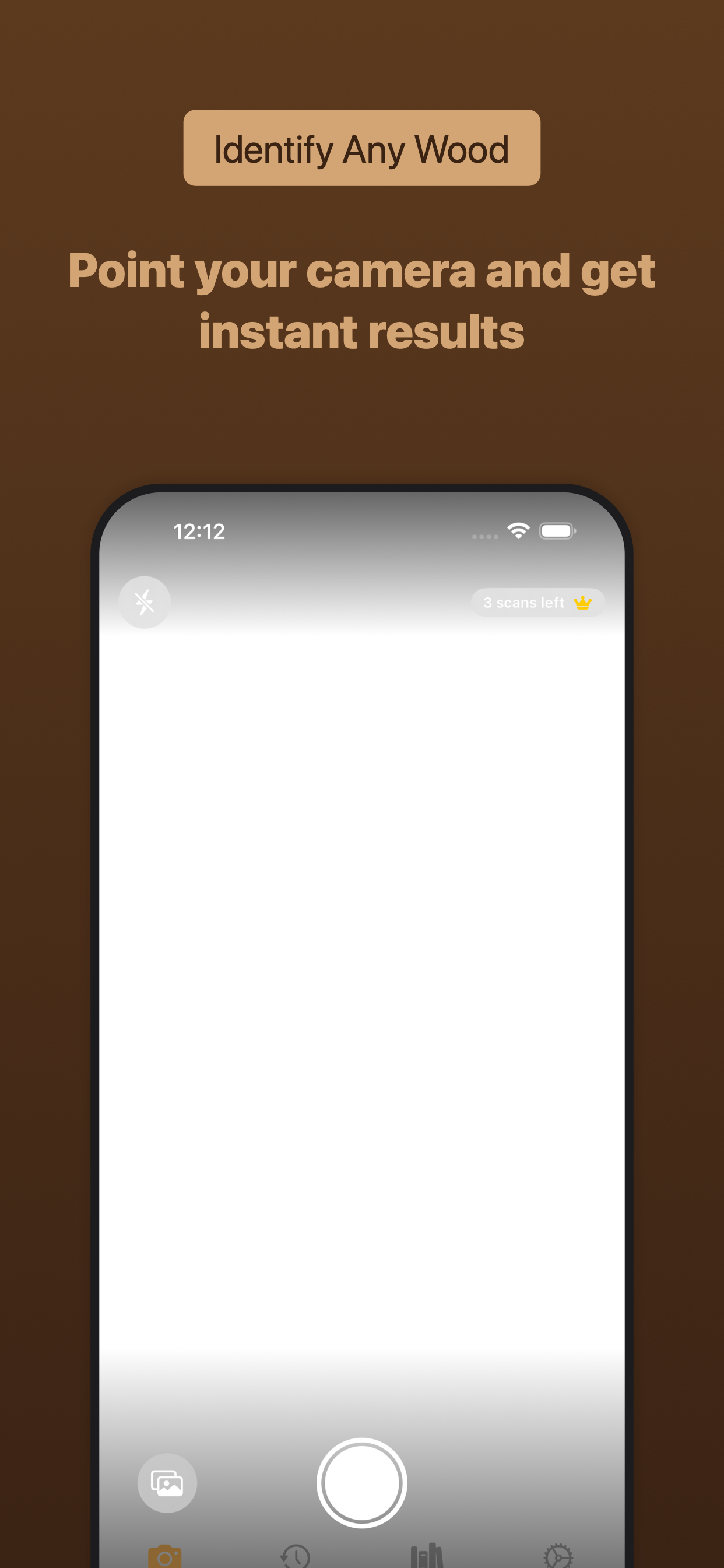
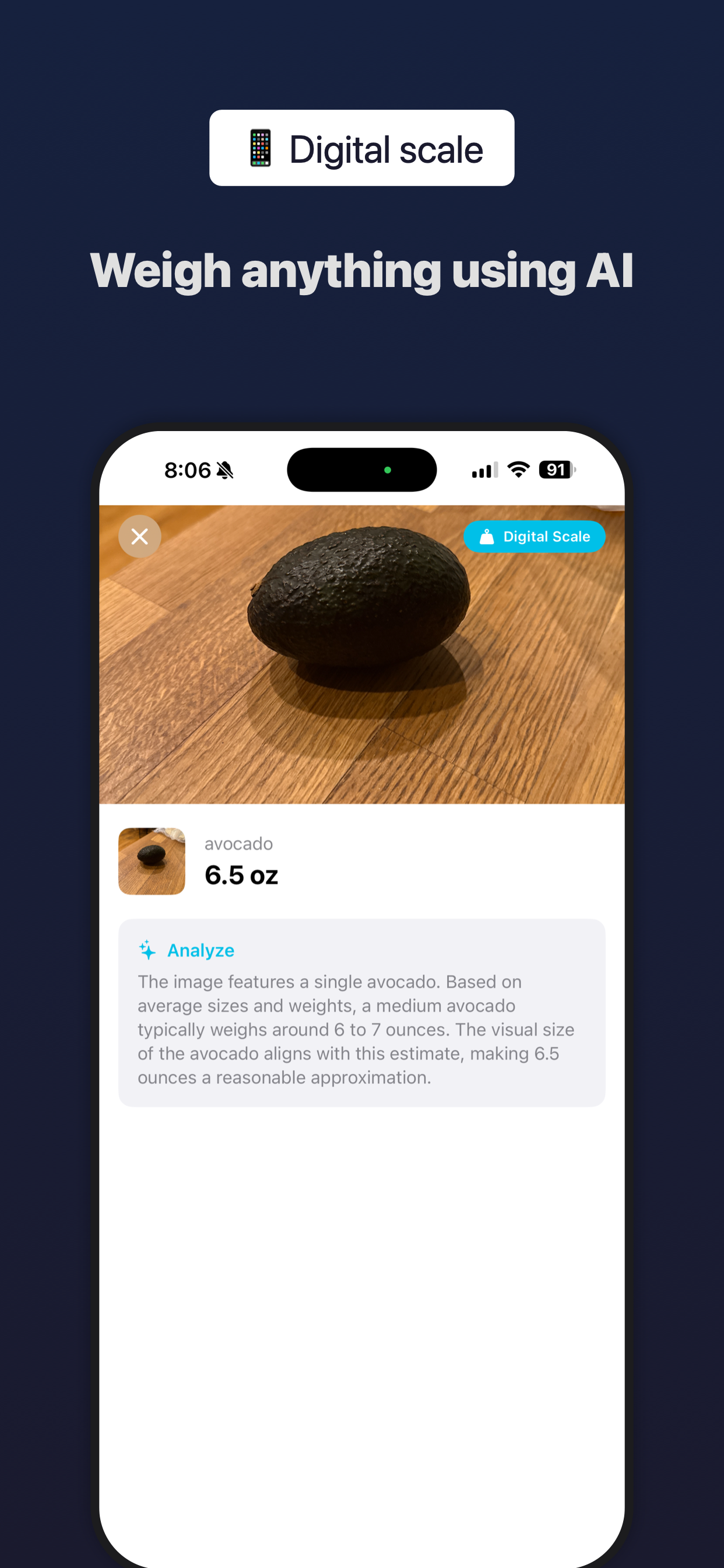
What you get out the other side.
How it stacks up.
Based on public product pages and docs for popular screenshot tools.
| Tool | Free | AI workflows | Localization | Auto-captures device screenshots | Templates |
|---|---|---|---|---|---|
| ios-appstore-screenshots | ✅ | ✅ | Soon | ✅ | ✅ |
| fastlane snapshot | ✅ | ❌ | ✅ | ✅ | ❌ |
| AppScreens | Limited | ❌ | ✅ | ❌ | ✅ |
| AppLaunchpad | Limited | ❌ | ✅ | ❌ | ✅ |
| Screenshot Pilot | ❌ | ❌ | ✅ | ❌ | ✅ |
| AppMockUp Studio | ✅ | ❌ | ✅ | ❌ | ✅ |
FAQs
Is it really free?
Yes. Entirely free. No doing all the work to make your screenshots, then hitting export and finding out it is actually a paid tool.
How does it work?
You install the CLI, capture or provide your app screenshots, apply a template or your own config, and generate App Store-ready output. If you use Claude Code, Codex, or Cursor, the bundled workflows can also drive simulator capture and setup for you.
Do I need to start from a template?
No. Templates are the fastest way to get something polished, but you can also initialize your own project config. Chatting with your LLM of choice is a really fast way to do this.
Is it fully automated?
Yes. The coolest part of this workflow is that it uses Maestro to generate a repeatable way to navigate around your app so it can automatically figure out which screens in your app are important, then run and capture those screens.